AI Image Detector
Local-first AI-generated image detector. Built for batches.
A first pass on whether an image was generated (ChatGPT, Flux, Midjourney, Stable Diffusion) or photographed. Nothing is uploaded.
Drop files or a folder here
or click to browse · paste from clipboard
Accepts .JPG, .JPEG, .PNG, .WEBP, .AVIF, .HEIC, .HEIF · Up to 1,000 files
What this tool does
Drop an image and it estimates whether the pixels came from a generator or a camera. The file stays in your browser. The first run downloads an ~87 MB classifier; after that it is cached.
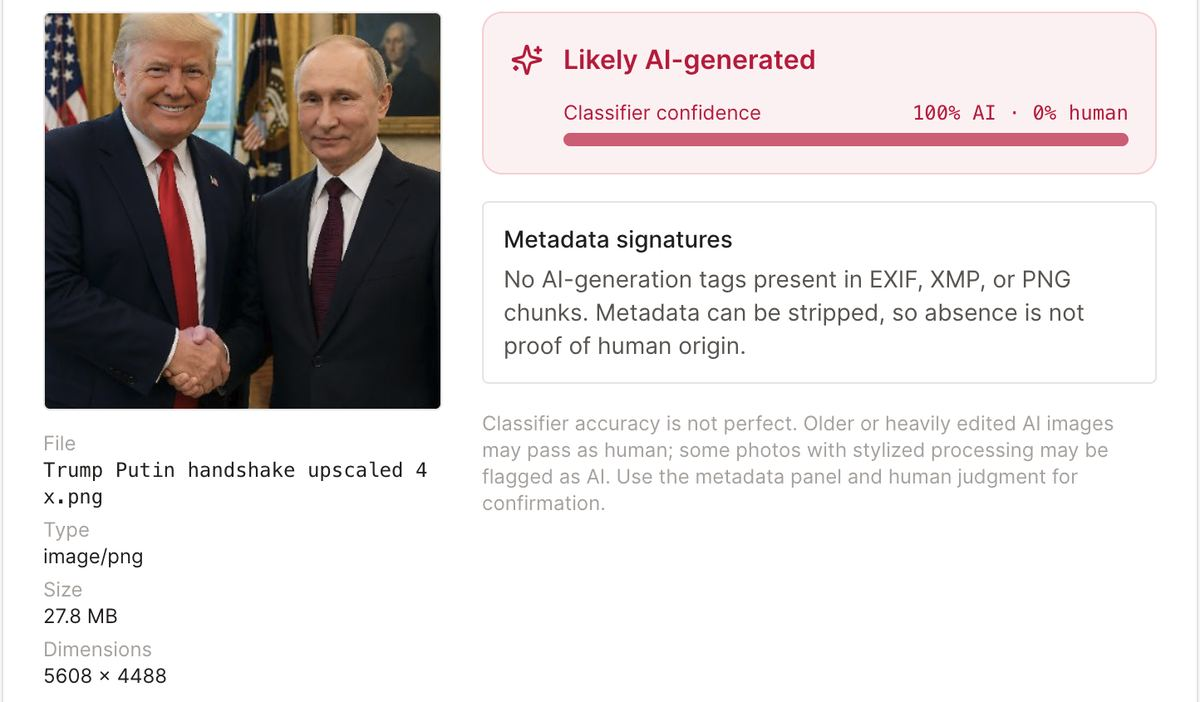
A 100% score is a strong hint, not proof. Don't treat it as a certificate.
How it works
Two checks run on your device:
- Pixels. The image is resized (shortest edge 440 px) and cropped to 384 px, then a small forensic classifier scores AI vs photograph. It does not name ChatGPT vs Flux vs Midjourney. Desktops average five crops; phones use the center crop.
- Metadata. We also read EXIF, XMP, and PNG chunks for leftover generator tags: Stable Diffusion
parameters, ComfyUIworkflow, Midjourney creator fields, C2PA Content Credentials, and Software tags from Firefly, Imagen, Ideogram, Leonardo, and Runway. If those tags are present, that is a strong AI signal on its own.
Most images you see on social sites have already had metadata stripped. The pixel score is what you have left. Empty metadata does not mean the picture is real.
Examples
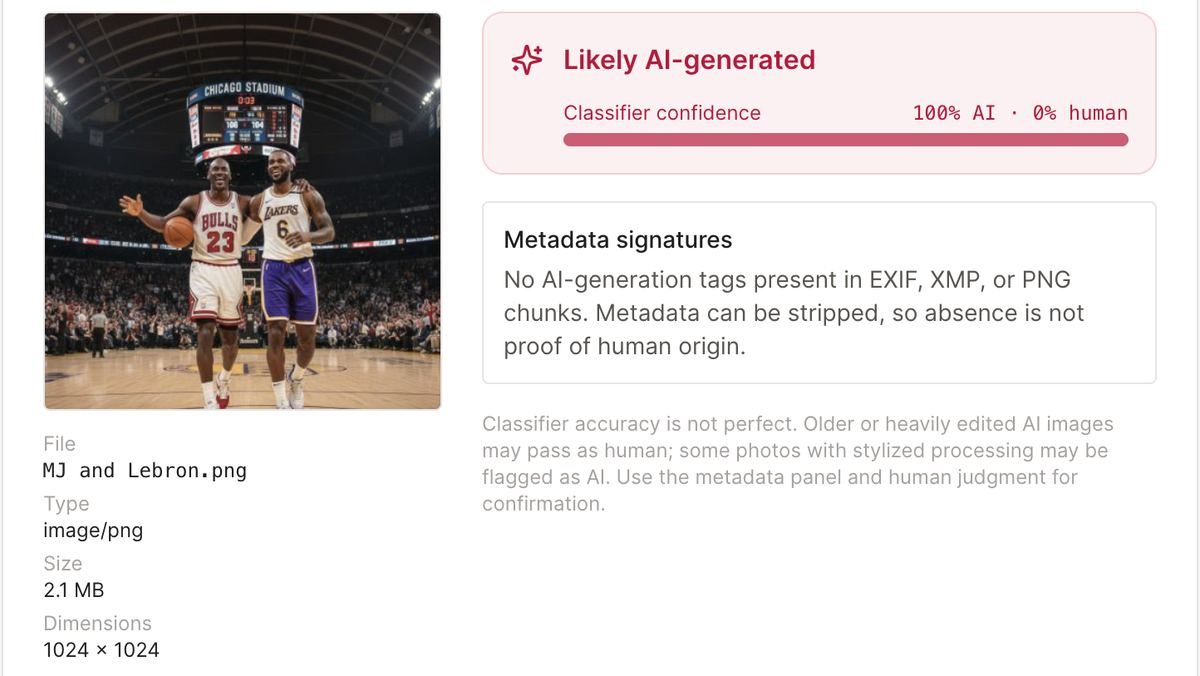
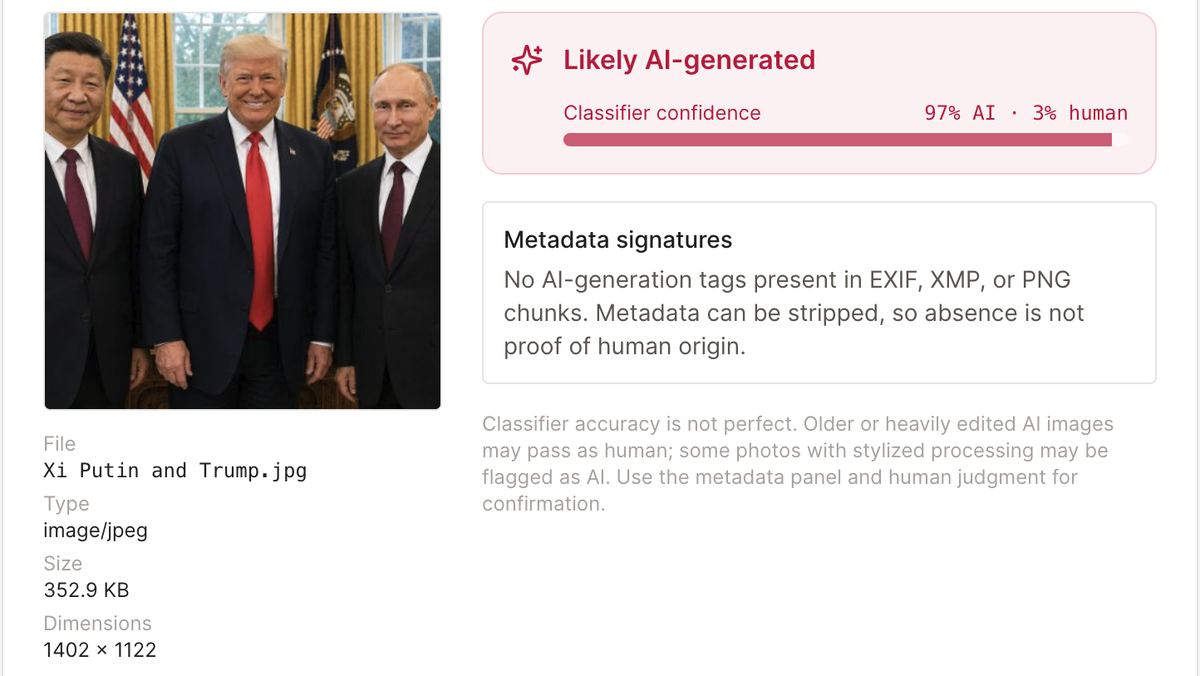
Three generated pictures, dropped locally. None of them carried generator tags. The classifier still marked them as AI.
Where it gets it wrong
Public tests of this model sit around 90% at our 65% cutoff. That still leaves plenty of misses.
- False AI. Heavy retouching, HDR composites, beauty filters, and generative upscalers on a real photo can look like generated pixels.
- False photo. Screenshotting an AI image, saving it as a small JPEG, or running it through image-to-image can wash out the signal. The third example above only moved from 100% to 97% after a JPEG conversion — a harder recompress can hide it completely.
If you know the origin of a file, trust that over the score. Reverse-image search still helps when the stakes are high.
What it can and cannot name
The pixel model covers a wide set of generators, including recent ones such as GPT Image, Flux 2, and Midjourney 7. It still cannot tell you which app made the file. Metadata can, but only when the tags were left in.
Batch
Drop up to 1,000 images. The model loads once. You can download results as CSV for a local review pass.
Does the file leave this tab?
No. Decode, classify, and metadata parse all happen in the browser. There is no upload and no telemetry on the file. Confirm it in DevTools → Network if you want.
Deepfakes
Diffusion portraits and fully generated faces are in scope. Face-swap video on real footage is not. For a still portrait, treat “likely AI” as a reason to check the source, not as a finished investigation.
Frequently asked questions
No. Decode, classify, and metadata parse all run on your device. Nothing is uploaded. You can confirm that in DevTools → Network.
The pixel score is AI vs photograph. It covers a wide set of generators, including ChatGPT / GPT Image, Flux, Midjourney, and Stable Diffusion. It does not name the app. Metadata can still flag Stable Diffusion, ComfyUI, Midjourney, Firefly, Imagen, Ideogram, Leonardo, Runway, and C2PA tags when those tags are still in the file.
On public test sets it is around 90% at a 65% cutoff. ChatGPT images are in scope. A 100% score is still not proof. Heavy retouching on a real photo can look like AI. Saving a generated image as a small JPEG can hide it. Use the score with the metadata panel and your own judgment.
The classifier reads pixels, not the filename and not EXIF. JPEG compression changes those pixels, so the percentage can move a few points — or a lot, if the quality is low. Stripping EXIF does not hide a generated image by itself; social platforms already strip tags on most files.
Yes. Drop up to 1,000 files. The model loads once (about 87 MB, then cached). Desktops score five 384 px crops and average them; phones use one center crop.
JPEG, PNG, WebP, AVIF, and HEIC/HEIF. HEIC is decoded locally before classification.
Retouched portraits, HDR composites, beauty filters, and generative upscalers share traits with generated images. If you know how the photo was made, trust that. Empty metadata does not prove it is real.
For stills, generated faces are usually in range. Face-swap video on real footage is a different problem and out of scope. For a high-stakes still, also reverse-image search and check the source.