Compressing one video? Select the file, choose settings, then upload. Twenty videos? Select files, wait 10 to 20 minutes for compression, then download the ZIP file.
Batch compression: drop the folder, set the knobs once, download a ZIP.
When this is the right job
- A week of lectures has to go out as email attachments.
- Can't send fifteen screen recordings on Slack.
- Every file should be below a specific size limit: 25 MB on Gmail, 10 MB on Messenger.
- A batch of iPhone HEVC clips needs to be converted to H.264 MP4s for people using older PCs.
An 8-minute-long video? Skip batch framing and compress that file.
Three ways to compress a batch of videos
HandBrake (Open-Source Video Transcoder). Local, hardware-encoded with a real queue. It's a good option if you're already working in these apps. But it's very heavy for one-time folder compression.
Desktop-Based FFmpeg. Fastest option for a large directory. Nothing to upload. No limit on the number of videos to process. However, you need FFmpeg installed, and you need to know what to do when a file doesn't have a video track.
Compress in the Browser, locally. I've compiled FFmpeg to run as a WebAssembly instance within your browser tab. I process one file at a time to avoid loading the tab with two uncompressed videos and two outputs. No installation is required. Whilst ConvertYard is accessible from a phone's browser, a phone is the wrong machine for processing a folder of 200 MB clips. A desktop browser is more suitable.
Steps
- Open convertyard.com/compress-video. Choose the correct settings. For example, if you need to send videos on Gmail, choose the 'to 25 MB' target file size.
- Select videos you want to compress. Or drop them into the dropzone. I've tested this extensively (up to 30 files under 500 MB), and it finished compressing in under 30 minutes. Please note that the output will be in MP4 only, as it's the most compatible across platforms (Windows, Mac, iOS, and Android).
- Choose the appropriate settings for your needs — these will apply to every file.
- Don't close the tab (especially iPhone users), and wait for the compression to finish.
- Download the ZIP or individual file. File names are automatically generated.
One policy per drop
If half the files need High + 720p and the other half need Medium at original size, do two drops.
| Destination | Start here |
|---|---|
| Gmail / generic email | Target 25 MB. 720p if the source is 1080p or 4K. |
| Strict form (10 MB) | Target 10 MB. 720p or 480p. H.265 only if playback is on phones. |
| Internal Slack / Drive, quality first | Medium, original resolution, H.264. |
| Rough proxies / archive | High or Maximum, 720p. |
| Mixed old hardware | H.264, Medium, 720p. |
| Only recent iPhones / Androids | H.265 on, Medium. |
The amount of compression will depend on what resolution you select. Going from 4K to 1080p will probably have the biggest size decrease, up to 90% based on my tests. So a 5 GB file will shrink to around 190 MB. Another factor is choosing between the older H.264 and the newer H.265 for devices (post-2016). The H.265 format offers better compression without degrading video quality. If you're sending clips to your editor who uses a newer device, this format can further reduce file size.
What will actually stop a batch?
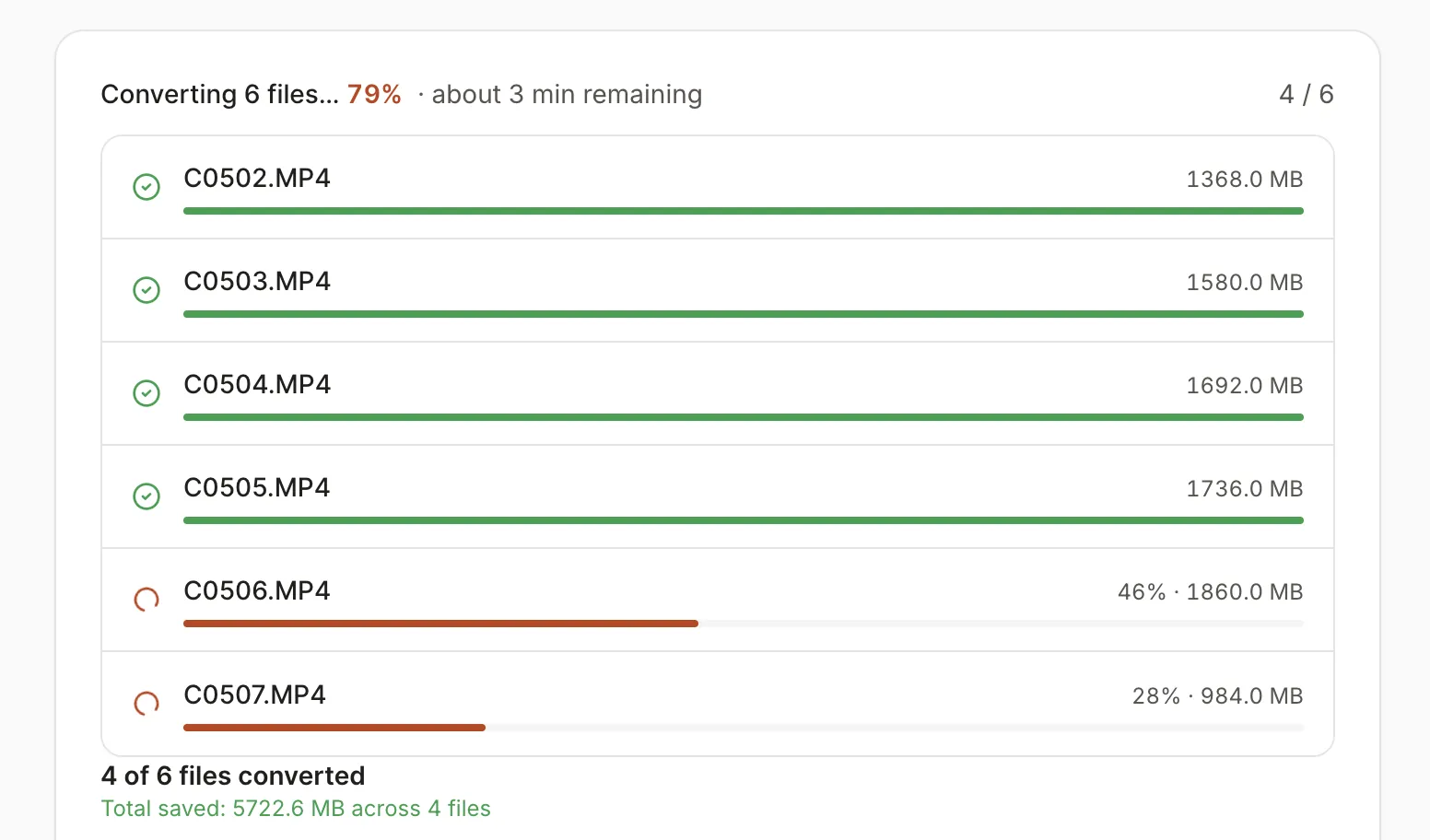
The number of files isn't the limit; the processor is.
- Memory. A 4K file stored in the WASM heap can crash the entire tab. Large files must be split before you compress them in a desktop session.
- Time. Ten 3-minute clips will be roughly 10 times as long as one single clip, so schedule that for late at night when you can leave the thing alone.
- Phones. Fine for a single small file, but not for a field batch station of work.
- Sleep / closed tab. Any work not saved will be lost. However, files you've already downloaded are safe, even though you couldn't play them. This is NOT a cloud-based job that you can resume later.
- A bad file. One uncompressed file won't cause the entire batch to fail, since the tool will show the download link for the compressed files even if the batch isn't finished.
If you need to compress 100 files, use HandBrake or do a batch of 20 on the ConvertYard desktop video compressor.
Remember that the browser tool is simply for processing the folder on the user's local computer. No installing of any additional software today!
How the file stays local is covered in Compress video without uploading.